· Announcements · 4 min read
Introducing the FOLIO MCP Server: Legal Ontology Tools for AI Agents
A new MCP server brings FOLIO's 18,000+ legal concepts directly into AI coding assistants like Claude Code, Gemini CLI, and OpenAI Codex — enabling AI-assisted legal software development and document classification.
Introducing the FOLIO MCP Server
We are excited to announce the FOLIO MCP Server, a new way to bring FOLIO’s 18,000+ legal concepts directly into AI coding assistants. Using the Model Context Protocol (MCP), the server gives AI agents real-time access to search, browse, and export legal concepts without leaving the development environment.
The MCP server works with Claude Code, Gemini CLI, OpenAI Codex, Cursor, VS Code, and any MCP-compatible client.
Why MCP?
AI coding assistants are increasingly central to legal software development, but they lack built-in knowledge of legal taxonomies and standards. When an AI agent needs to classify a document type, identify an area of law, or look up a court, it has no structured source of truth to draw from.
The FOLIO MCP server solves this by exposing the full FOLIO ontology — areas of law, document types, legal entities, governmental bodies, courts, and more — as a set of tools that AI agents can call during conversations. This means an AI assistant can search for concepts, traverse the taxonomy hierarchy, and export structured data on demand.
Quick Start
Adding FOLIO to Claude Code takes one command:
claude mcp add folio -- uvx folio-mcpFor Gemini CLI:
gemini mcp add folio uvx folio-mcpFor OpenAI Codex:
codex mcp add folio -- uvx folio-mcpYou can also connect to the hosted endpoint with no installation required:
https://folio.openlegalstandard.org/mcpSee the full FOLIO MCP Server resource page for setup instructions for Cursor, VS Code, and local mode.
What It Can Do
The server provides 12 tools, 3 resources, and 11 prompt templates for common classification tasks.
Tools
AI agents can search concepts by label or definition, run advanced queries with composable filters, retrieve full concept details, export in multiple formats (Markdown, JSON-LD, OWL XML), browse all 24 taxonomy branches, navigate parent/child relationships, and find semantic connections between concepts.
Prompt Templates
The server includes reusable prompt templates that guide AI assistants through structured classification workflows:
- classify-document — Classify a legal document against the FOLIO taxonomy
- identify-area-of-law — Identify applicable areas of law for a given situation
- classify-entity — Classify a legal entity (person, organization, role)
- classify-industry — Classify the industry sector for a matter or client
- identify-legal-authority — Identify the type of legal authority (statute, regulation, case law)
- classify-event — Classify a legal event (dispute, transaction, regulatory action)
- identify-service-type — Identify the type of legal service needed
- identify-forum-venue — Identify the appropriate forum, venue, or governmental body
- identify-objective — Identify legal objectives for a matter
- classify-asset — Classify an asset type (tangible, intangible, financial, estate)
- identify-engagement-terms — Identify engagement terms for a legal services arrangement
Multilingual Support
Many FOLIO concepts include translations in 10+ languages. When you retrieve a concept, you get labels in English, Spanish, French, Japanese, Chinese, Hindi, and more — making the ontology useful across jurisdictions and languages.
Example: Classifying a Contract
Ask your AI assistant: “Search FOLIO for software licensing agreement”
The agent will:
- Search the ontology and find Software License Agreement, License Agreement, and related concepts
- Retrieve the full definition, translations, and alternative labels
- Walk the taxonomy path: Software License Agreement → License Agreement → Contract → Transactional Document → Document Types
- Export structured JSON-LD for integration into your system
All of this happens within the conversation — no copy-pasting from external tools or documentation.
Who This Is For
We built the MCP server with a specific audience in mind: the courts, legal aid organizations, small firms, and technology vendors that need structured legal data but cannot afford to build custom knowledge management systems.
- A municipal court can use AI agents with FOLIO to standardize case type classification across its docket system
- A legal aid clinic can use it to consistently tag client intake records by area of law
- A court technology vendor can integrate FOLIO into their platform to provide a shared vocabulary across jurisdictions
- A legal AI developer can ground their models in a well-structured, openly licensed ontology
Architecture
The MCP server supports two modes:
- API Mode (default) — lightweight client that calls the free FOLIO REST API. No API key required, instant startup.
- Local Mode — loads the full ontology in-process for offline or low-latency use.
Get Started
All FOLIO resources are free, open source, and available now:
- FOLIO MCP Server — MCP server on PyPI and GitHub
- FOLIO MCP Resource Page — full documentation with setup for all editors
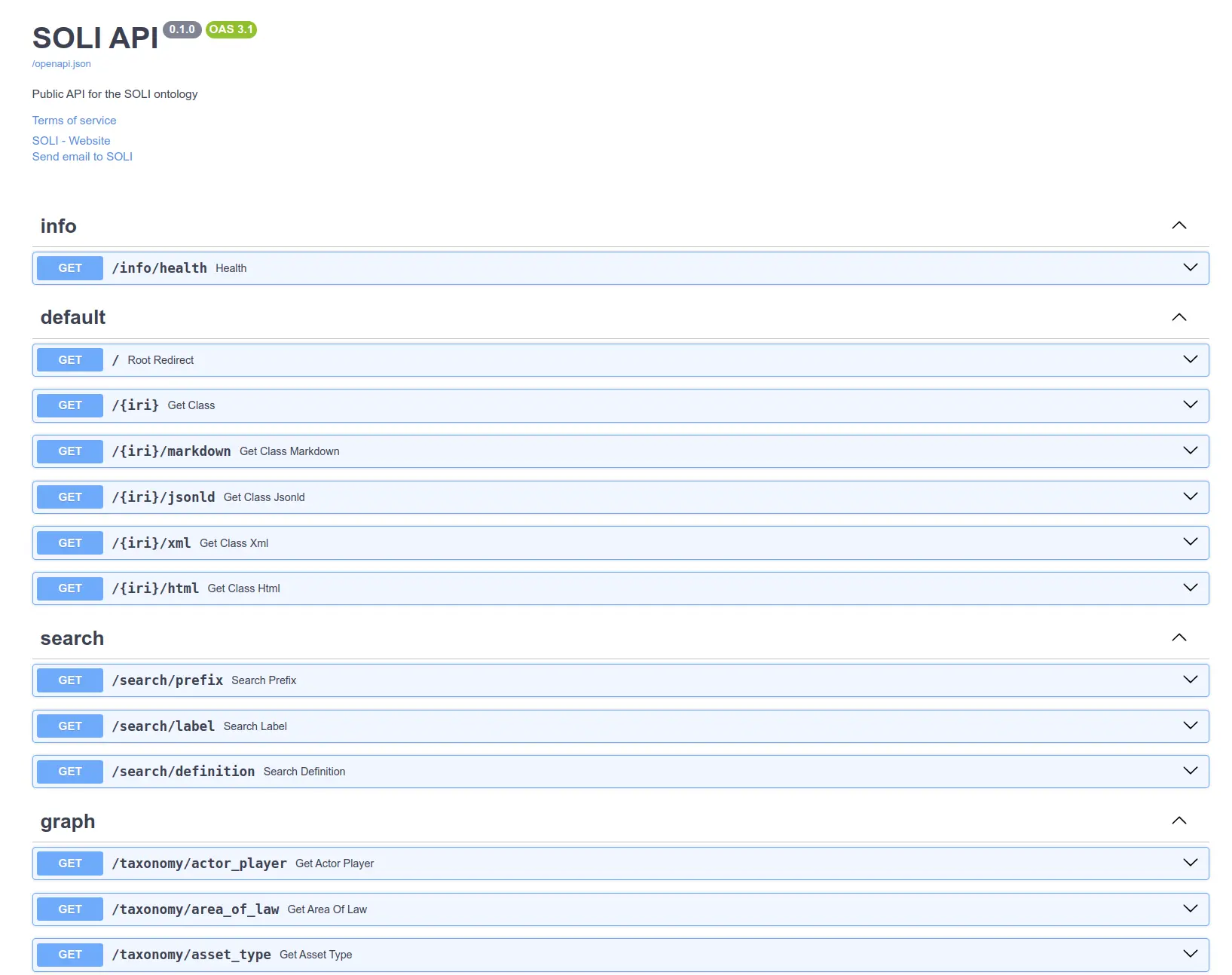
- Public API — free REST API with interactive docs
- folio-python — Python library on PyPI
- FOLIO Ontology — the ontology source on GitHub
We welcome contributions, feedback, and questions. Open an issue on the GitHub repository or visit the FOLIO community forum.